How Lifestyle Influencers Can Create Professional Videos at Home?
\
Create professional videos at home is essential for lifestyle influencers. High-quality videos can boost engagement, attract followers, and make your content captivating. Fortunately, you don’t need expensive equipment or fancy studios to achieve this.
With some simple techniques and tools like a background remover and text-to-speech, you can produce videos that look professional right from your living room.
Let’s Find Out How to Create Professional Videos at Home:
1. Set Up a Great Filming Space
The first step in creating amazing videos is to prepare your space. Find a quiet, well-lit area in your home where you can film without interruptions. Keep the background simple and clutter-free to make your video look clean and professional.
If your background isn’t ideal, you can fix it during editing using a background remover. This allows you to replace your background with something more polished or creative, like a stylish design or a scenic view.
Lighting plays a big role in making your video look high-quality. Natural light is your best friend—try filming near a window during the day for soft, even lighting. If natural light isn’t an option, use affordable lights like a ring light to brighten your space.
2. Use the Right Equipment
You don’t need a fancy camera to create professional videos at home. Many modern smartphones can shoot in high resolution, which is perfect for online content. Just make sure to clean your camera lens before filming for the best results.
To keep your videos steady, invest in a tripod. Shaky videos can distract your viewers, so a stable camera is key. If you want to add movement to your shots, consider using a stabilizer for smooth transitions.
Clear sound is just as important as clear visuals. An external mic can improve the quality of your audio significantly. If speaking on camera isn’t your thing, you can use a text to speech tool to add voiceovers. This is a great way to add narration or instructions to your video while keeping it professional.
3. Plan Your Content
Good videos start with a clear plan. Think about your audience and what they want to see. Are they interested in tutorials, behind-the-scenes clips, or product reviews? Choose a topic that fits your niche and resonates with your viewers.
Write a simple script to guide your video. You don’t need to memorize every word—just have a clear idea of what you want to say and the points you want to cover. This will keep you focused and help your video flow smoothly.
When you create professional videos at home, having a visual plan or storyboard can be very helpful. Sketch out the scenes and angles you want to include. This makes filming more efficient and ensures your video has a professional structure.
4. Film Like a Pro
Once everything is set up, it’s time to start filming. Follow these tips for better results:
- Camera Angles: Place the camera at eye level for a natural look. Play with different angles to add variety to your shots.
- Framing: Center yourself or your subject in the frame. Make sure there’s enough headroom and avoid cutting off important parts of the shot.
- Practice and Patience: Don’t worry if you don’t get it perfect on the first try. Record more than one take and pick the best one during editing.
When you create professional videos at home, take short pauses between sentences to make editing easier later. This will help you create clean transitions between clips.
5. Edit Your Video for a Polished Look
Editing is where you bring everything together.
Trimming and Cutting
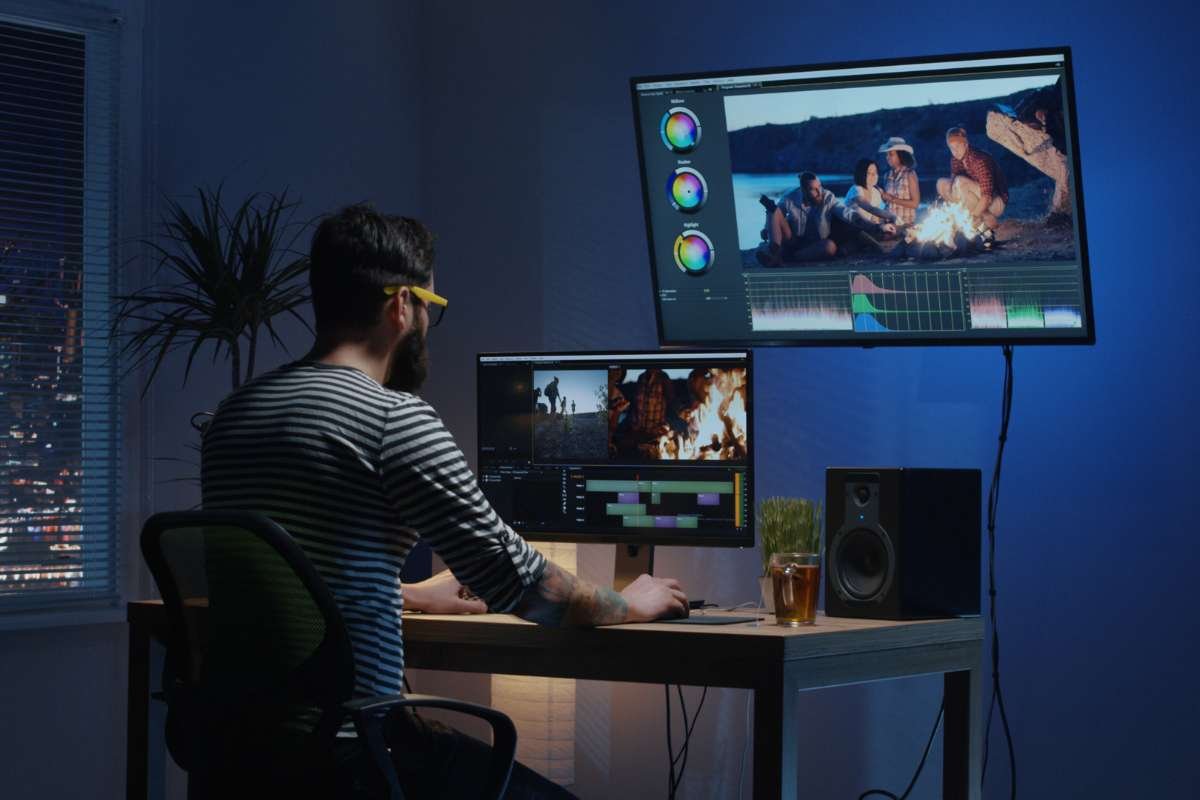
Start by trimming unnecessary parts and arranging your clips in a logical order. Use tools to adjust brightness, contrast, and color to make your video visually appealing.
Removing Background
If your background isn’t perfect, use a background remover during editing. You can replace your backdrop with a color, pattern, or even a custom image that fits your theme.
Adding Text to Speech
A text-to-speech tool can add narration or voiceovers to your video. This is especially useful for tutorials or explanatory videos where clear instructions are needed. It also makes your content accessible to a wider audience.
Here’s how you can add TTS to your videos using free video editing software, like the CapCut desktop video editor:
- Step 1: Import Video: Open the CapCut desktop video editor on your PC and import your video by clicking on Create Project > Import.

- Step 2: Adding TTS: Then, go to Text > Add text and paste your desired script into the text box. After that, go to Text to Speech > Choose your desired voice > Start recording.

- Step 3: Export Video: Finally, export your video by adjusting the video rendering settings and clicking on the “Export” button.

6. Maintain Consistency with Your Branding
Your videos should reflect your personal brand. Use consistent colors, fonts, and filters across all your content to create a recognizable style. Add a logo to your videos to reinforce your branding and prevent others from copying your work.
Adapt your video’s format for the platform you’re using. For example, vertical videos are great for Instagram and TikTok, while horizontal videos work best for YouTube. Make sure your content fits the platform’s requirements to maximize its reach.
Conclusion
Create professional videos at home is easier than ever. With simple tools like a background remover and text-to-speech, you can enhance your content without spending a fortune. By setting up your space, planning your videos, and editing with care, you can create content that stands out and connects with your audience.
Remember, practice and consistency are key. Start small, improve with each video, and soon you’ll be producing content that looks just as good as those created in a professional studio. Now, it’s time to take your camera and start filming!



Comments
Post a Comment